June 25, 2026 · The MailTrigger Team
How Many Cold Emails Can You Safely Send Per Day?
The honest answer to how many cold emails you can send per day is: far fewer than you'd like, especially at the start. A brand-new domain that fires 200 emails on day one looks identical to a spammer, and inbox providers treat it that way. The safe number grows over time as you build reputation — so the real question isn't "what's the max," it's "what's the ramp." This guide gives you a week-by-week warm-up schedule and the per-inbox limits that keep you out of spam.
Sending limits are one pillar of cold email deliverability; this post covers exactly how to pace your volume.
The short answer
- New domain: start at 5–10 emails per day and ramp gradually over 4–6 weeks (Skylead; Mailpool).
- Warmed inbox: keep volume to roughly 20–50 emails per inbox per day for cold outreach, with an aggressive B2B ceiling around 75–100 per inbox per day (approximate, vendor-reported — Topo; Mailforge).
- The golden rule of ramping: never increase daily volume by more than ~20% per day (MailReach).
Need more volume than one inbox allows? Add inboxes — don't push a single one past its limit (more on that below).
A week-by-week warm-up schedule
Use this as a starting template. Adjust down if you see bounces or spam complaints rise. These figures reflect common industry warm-up guidance (Skylead; MailReach) and assume one inbox on a fresh domain.
| Week | Daily cold sends (per inbox) | Focus |
|---|---|---|
| Week 1 | 5–10 | Authenticate, send to engaged/known contacts, watch for any bounces |
| Week 2 | 10–20 | Slow ramp, keep replies and engagement high |
| Weeks 3–4 | 20–40 | Increase ~20%/day max, introduce real cold prospects |
| Weeks 5–6 | 40–50 | Approach steady-state volume |
| Week 6+ | 50 (up to 75–100 aggressive) | Maintain; stay under your per-inbox ceiling |
The point isn't to hit these exact numbers — it's to ramp smoothly and never spike. A jump from 20 to 200 in a day is the classic way to burn a domain.
Why limits matter
Inbox providers watch your sending pattern as closely as your content. Sudden volume spikes, a burst of sends with no gaps, and a high ratio of mail to engagement all read as spam behavior. Once a domain trips those signals, placement drops across the board — and recovering takes weeks of disciplined low-volume sending. Limits are cheap insurance against an expensive reputation hit.
How to warm up a new domain
Warm-up is the deliberate process of building reputation before you send real outreach at volume:
- Weeks 1–2: Send small batches to addresses likely to open and reply — colleagues, existing contacts, opted-in subscribers. Early engagement teaches providers your mail is wanted.
- Weeks 3–4: Begin introducing genuine cold prospects, increasing volume by no more than ~20% per day.
- Weeks 5–6+: Reach your steady-state daily volume. Keep engagement healthy and complaints near zero.
Throughout, authenticate first — warm-up on a domain without SPF, DKIM and DMARC is wasted effort.
Per-inbox vs per-domain
Limits apply at the inbox level. If you need to send 150 cold emails a day, don't push one inbox to 150 — spread it across three or four inboxes at 40–50 each. This keeps every individual sender within a safe range and reduces the blast radius if one inbox runs into trouble. Many teams run several inboxes (sometimes across multiple domains) precisely so they can scale volume without overloading any single sender.
Humanized delays and send windows
Volume isn't the only signal — timing matters too:
- Randomize the gap between sends. Firing 40 emails in 40 seconds is obviously automated. Spacing them with randomized delays (e.g. anywhere from a couple of minutes to several) makes the pattern look human. MailTrigger does this with configurable min/max delays per campaign — see the campaign and sending features.
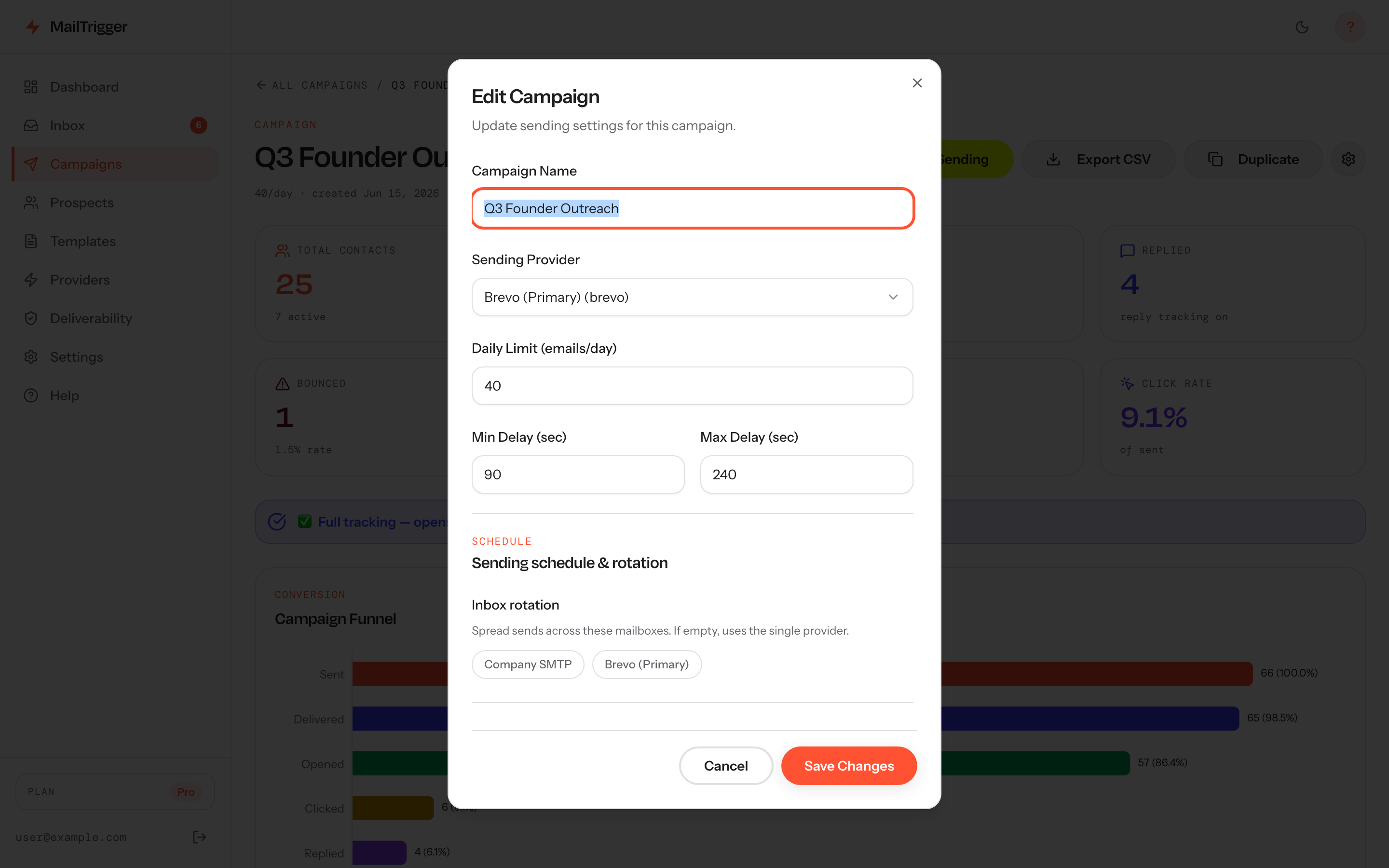 The per-campaign sending controls: a daily cap (40/day here), a randomized min/max delay between sends, and inbox rotation across connected providers — exactly the levers that keep volume safe.
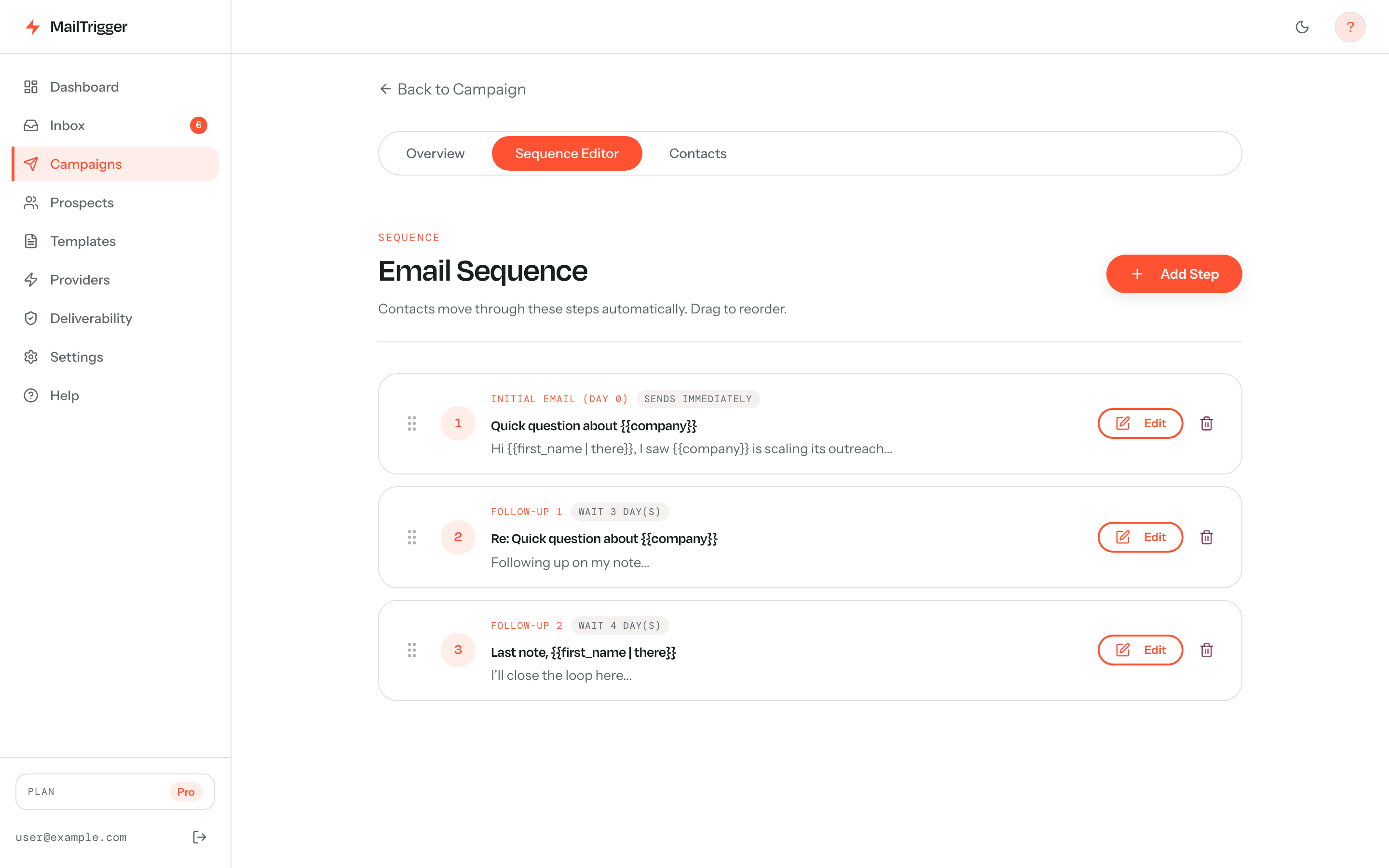
Sends drip out step by step through the sequence instead of all at once — paced volume per inbox is what keeps you out of spam.
- Send during working hours. Mail that arrives at 3 a.m. local time looks botted. Aim for business hours in the recipient's timezone.
- Cap the daily total per campaign so a large list drips out over days instead of dumping at once.
Signs you're sending too fast
Pull back immediately if you see:
- Rising bounce rate — especially soft bounces and deferrals, a sign providers are throttling you.
- Spam complaints creeping up — Gmail wants this well under 0.30% (support.google.com).
- Reply rate falling off a cliff — often the first symptom of placement dropping. Smaller, well-targeted lists actually reply better: lists of 50 or fewer reply at ~5.8% vs ~2.1% for large blasts (The Digital Bloom). More volume is not more replies.
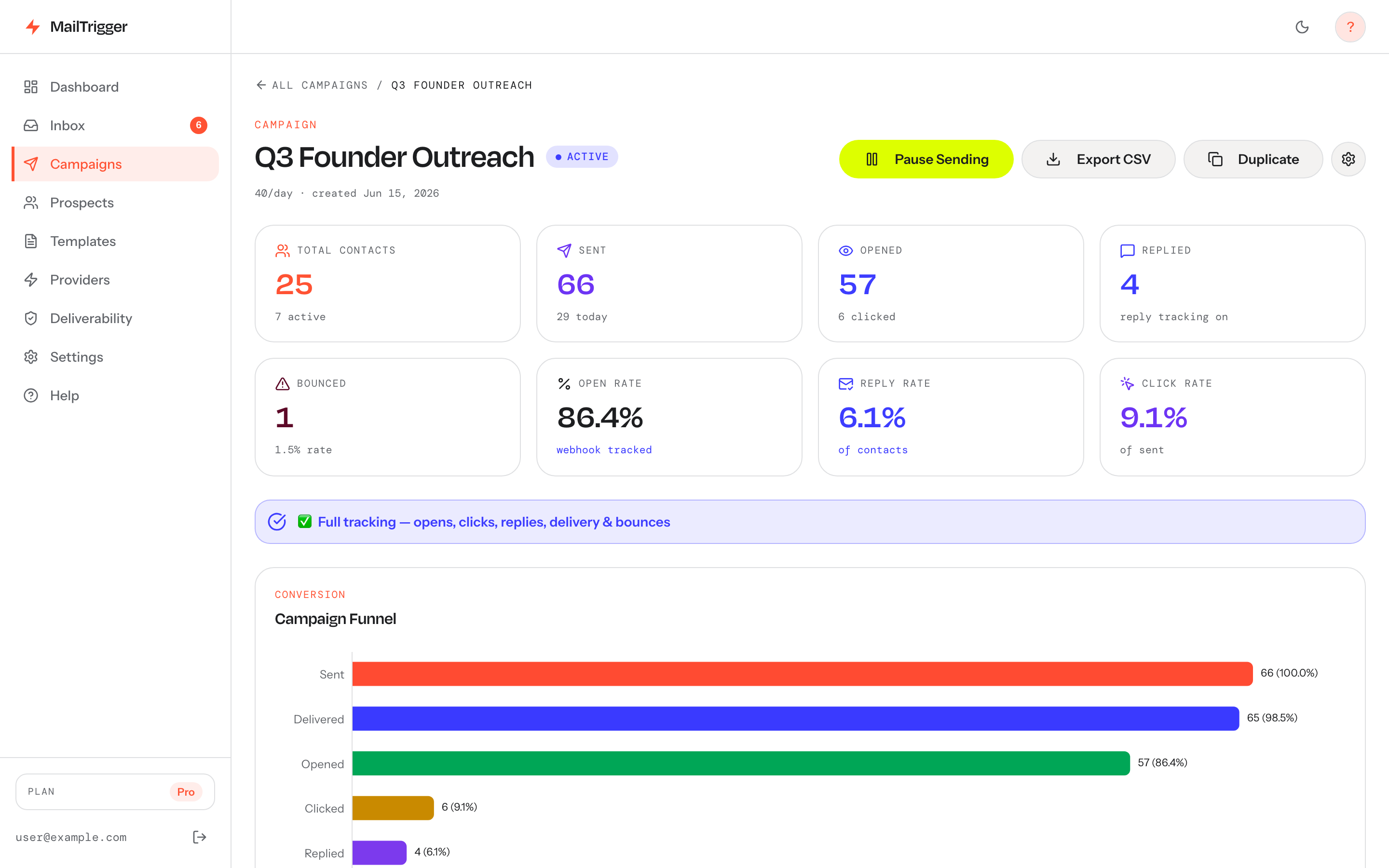 Watch bounce, open and reply trends here — a sudden dip in replies or a climbing bounce rate is the earliest sign you're sending too fast.
If you're seeing these, slow down, tighten your targeting, and let reputation recover before ramping again. For what healthy reply numbers look like, see our cold email reply-rate benchmarks.
FAQ
How many cold emails can I send from a new domain?
Start at 5–10 per day and ramp over 4–6 weeks (Skylead). A new domain has no reputation, so high early volume gets you filtered fast. Increase gradually — never more than about 20% per day.
How long does email warm-up take?
Plan for 4–6 weeks to bring a fresh domain to steady-state cold-email volume (Mailpool). There's no safe shortcut — reputation is built through consistent, wanted mail over time.
How fast can I increase my daily sending volume?
Cap increases at roughly 20% per day (MailReach). Bigger jumps spike your sending pattern and risk tripping spam filters. Slow and steady protects the reputation you're building.
Do sending limits still matter after warm-up?
Yes. Even a warmed domain has a per-inbox ceiling — roughly 20–50/day for cold outreach, up to ~75–100 aggressively (approximate, vendor-reported — Topo). Past that, you risk complaints and throttling. To scale higher, add inboxes rather than overloading one.